Navigation Menu / Setup / Simple Setup / Users
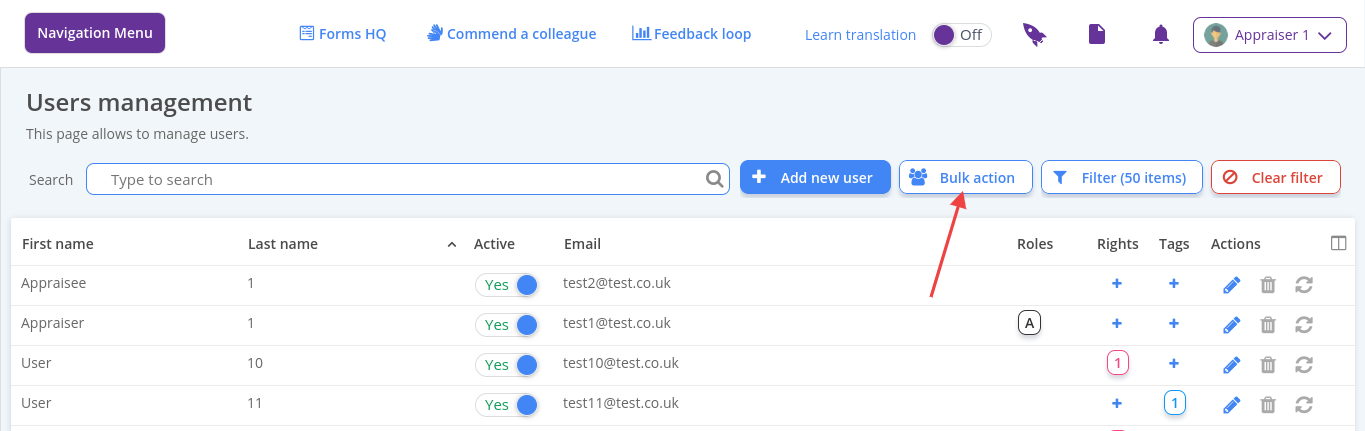
Click Print user login details
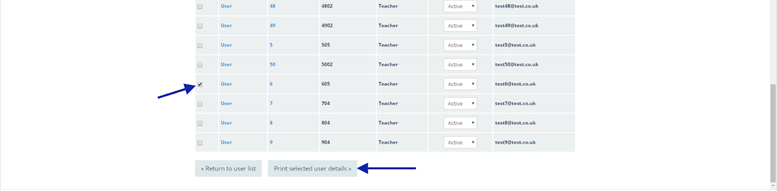
Select the tick box for the relevant user(s) who need new login details
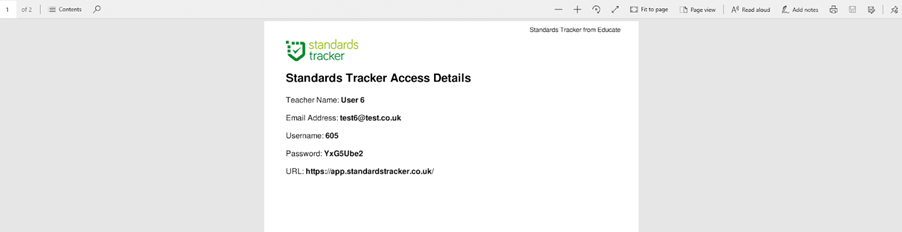
Scroll to the bottom of the page and click Print selected user details, click OK to the note popup box. A PDF will be exported containing login details for the user(s), you can hand this out to your users to allow them to log in